What changed in Google and AI search, and what to do about it
Two desks on one YouTube channel: search news on some days, construction industry news on the others, for the contractors and builders the agency wants as clients.
An SEO agency in Canada
You sell what you know. Ravenclip turns the news in your field into short videos on your channel, with your logo and colours, so the people you want as clients see your expertise every week. You approve what goes live.
No card. Start in minutes.
How three customers set up their channels.
Two desks on one YouTube channel: search news on some days, construction industry news on the others, for the contractors and builders the agency wants as clients.
An SEO agency in Canada
A weekly desk that shows local service businesses one tool or automation they can put to work now. The consultant sells the setup.
An AI consultant in Arizona
Short videos in French, posted to TikTok, each with one concrete method her audience can use the same day.
A coach for women entrepreneurs in France
From about 20 views to more than 1,100. The agency's own videos averaged about 20 views each. A Ravenclip video on the same channel passed 1,100 in a day. One result, not a promise.
Then it runs on the days you chose.
Industry, country, keywords, a one-line promise and the words to avoid. Add your logo and the line that ends every video.
Pick posting days and a time. Add a second desk for a second topic.
Approve each video, or let it post after your review window.
Built for people who sell what they know and have no time to make content.
Set your field, country and keywords, a one-line promise, and the words you never want to see, like politics or lawsuits. Stories that do not fit are skipped.
Approve each video before it posts, or give yourself a review window that publishes when time runs out. You can edit any scene first.
Add a second desk and give each its own days. One agency posts search news three days a week and construction news the other four.
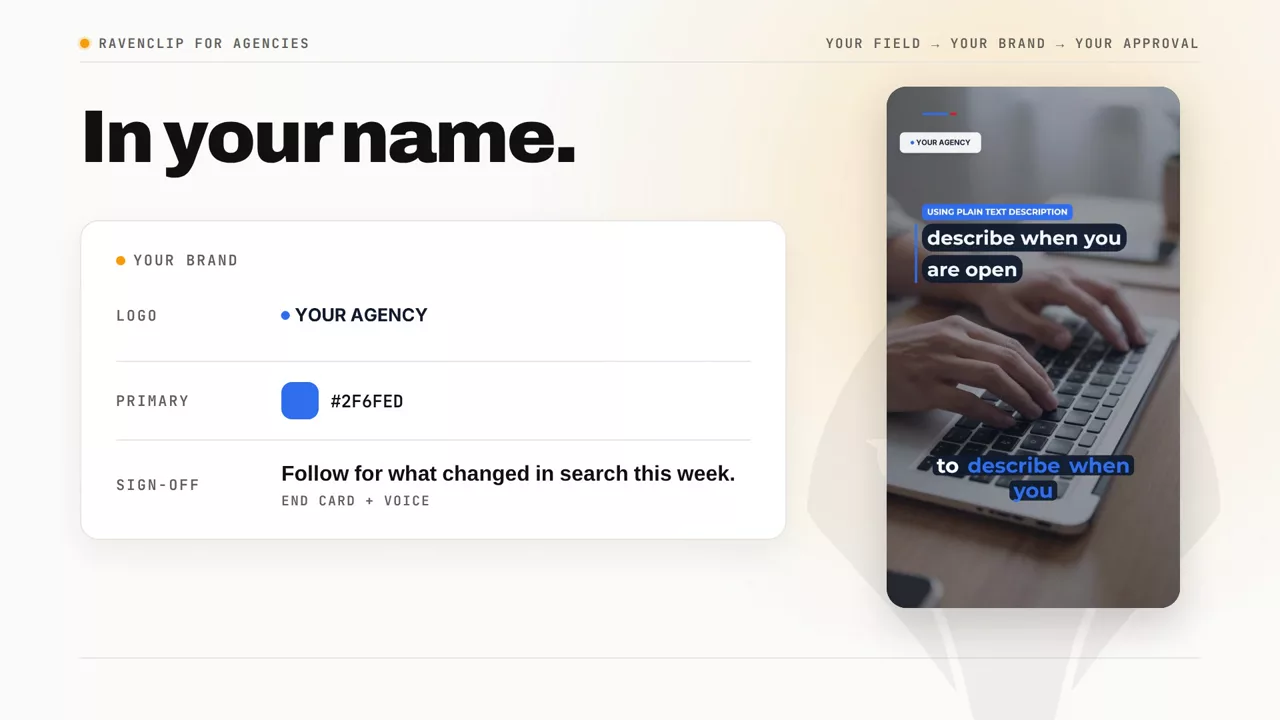
Your logo in the corner and on an end card, your colours on captions and charts, and a closing line in the channel voice that sends people to you. Your link goes under every post.
English, French, Spanish, German or Dutch, with news from your country. Posted to YouTube, TikTok and Instagram at the time you choose.
A fixed number of videos every month, with no credits to count. Each extra desk brings its own monthly videos.
You choose the publishing mode. Require approval to hold every video until you approve it, or use a review window that publishes automatically when time runs out. Videos made from your own pages wait for approval.
The voice and most visuals are AI, and you can say so. What makes the channel yours is the field you chose, the promise you set, the stories it picks, and your logo and colours on every video. You can edit any scene before it posts.
Yes. Paste a public page for a service, course, retreat or event that Ravenclip can read. It creates a video with AI visuals and a voiceover, ready for your approval. Review the visuals and claims before publishing.
Yes. Add a second desk and give each its own posting days. Both publish to the same channel. A second desk is an add-on to any paid plan and brings its own monthly videos.
Yes, on Studio and Scale. Upload a logo and it sits in the corner of every video and on an end card. Pick a primary colour for highlights and charts and a dark colour for caption boxes. Add a closing line, spoken in the channel voice, that tells viewers where to find you.
Yes, on any paid plan. Set a business link on the channel and it goes under the description or caption of every post on YouTube, TikTok and Instagram. Each channel has its own link, so a client desk carries the client's link.
No. Ravenclip writes the script and adds the voiceover, visuals and captions, then posts it. You can still edit any scene.
Yes. Set the channel language and Ravenclip writes, voices and captions in it, with news from your country.
Yes. Add a desk for each client on any paid plan. Each desk has its own field, schedule, accounts to post to and link, and on Studio and Scale its own logo and colours. Each extra desk brings its own monthly videos.
Built for people who sell what they know and have no time to make content.
We use cookies to understand how the site is used and make it better. You decide what is on. Privacy Policy.
Necessary
Required for the site to work. Always on.
Analytics
Lets us see which pages get used so we can improve them.
Marketing
Used to measure campaigns. Off unless you allow it.